

Don't have an account? Sign up

Use case four: Dreaming offline
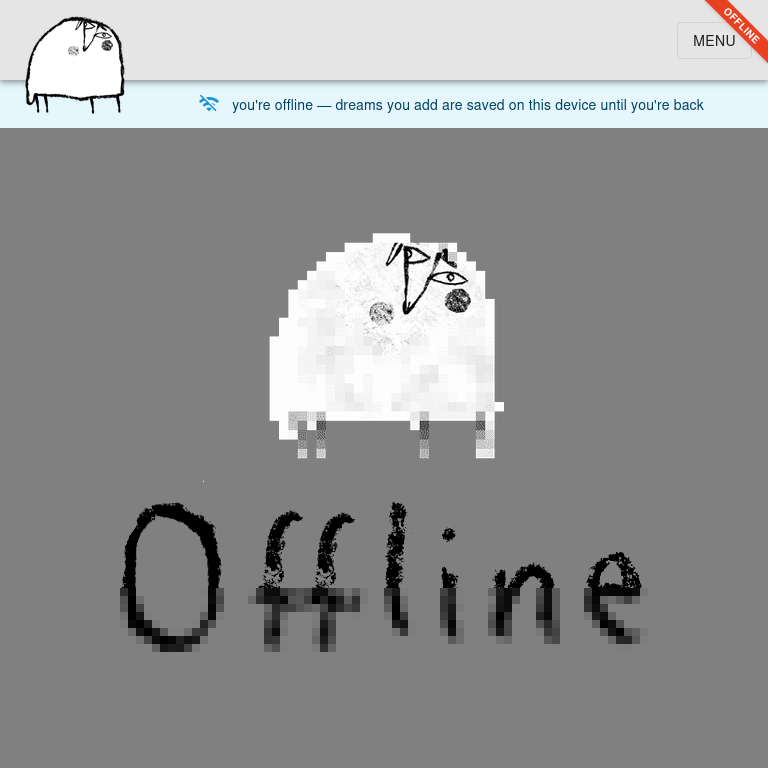
Remember use case two? Phone by the pillow, airplane mode, a few keywords scribbled at 3 a.m. There was a catch hiding in the parentheses: (for this, you need to be online). Consider the parentheses removed. dreamingsheep now works offline.
Open the app without a signal, land on your journal instead of a sad browser dinosaur, write the dream down and go back to sleep. The dream sits in your browser's storage, waiting to sync the next time you are connected, be it in ten minutes or after a week in the mountains. Offline, you can only add dreams, never edit old ones (nothing is ever overwritten). So if you also logged one from your laptop in the meantime, both simply end up in the journal. Delete the twin if you managed to dream the same dream twice.
What works without a signal:
- the journal: the days you opened while online, the calendar, and a brand-new dream;
- attaching the symbols you already have (creating new ones needs you online);
- the FAQ and this entire blog, cover images optional.
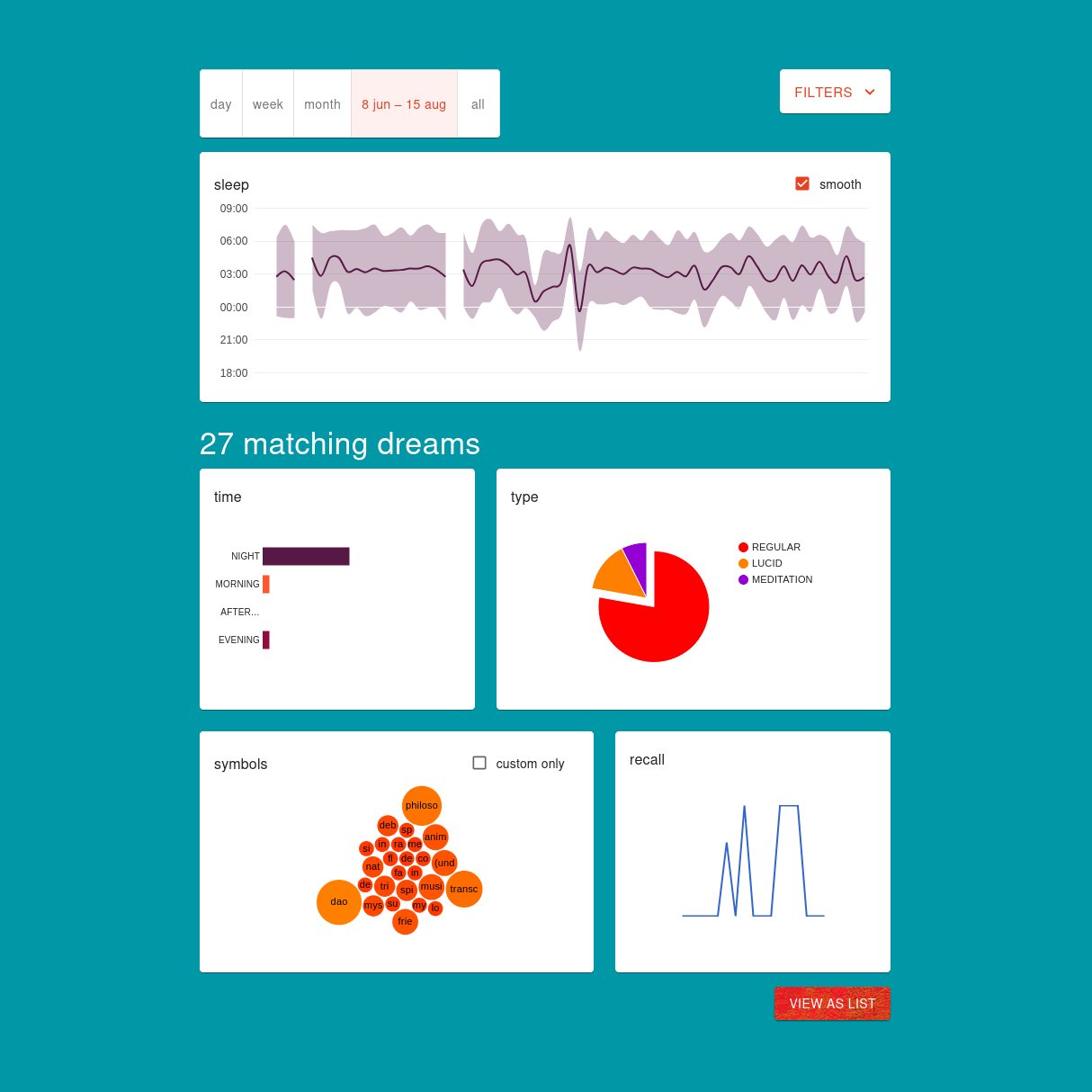
Stats, search and settings still need the real database.
The fine print: the very first visit in a browser has to happen online (that is when the app packs its offline bag), private windows forget everything, and phones, iPhones in particular, may spring-clean an app that has not been opened for about a week, so on a long trip do open it now and then. Until they sync, offline dreams exist only in this browser's storage on this device. Clearing this site's data before then deletes them for good, so reconnect first.
If you happen to be without a signal in the mountains, well, that is rather the point. Long time no sleep!
More from the blog
Long time no sleep?™